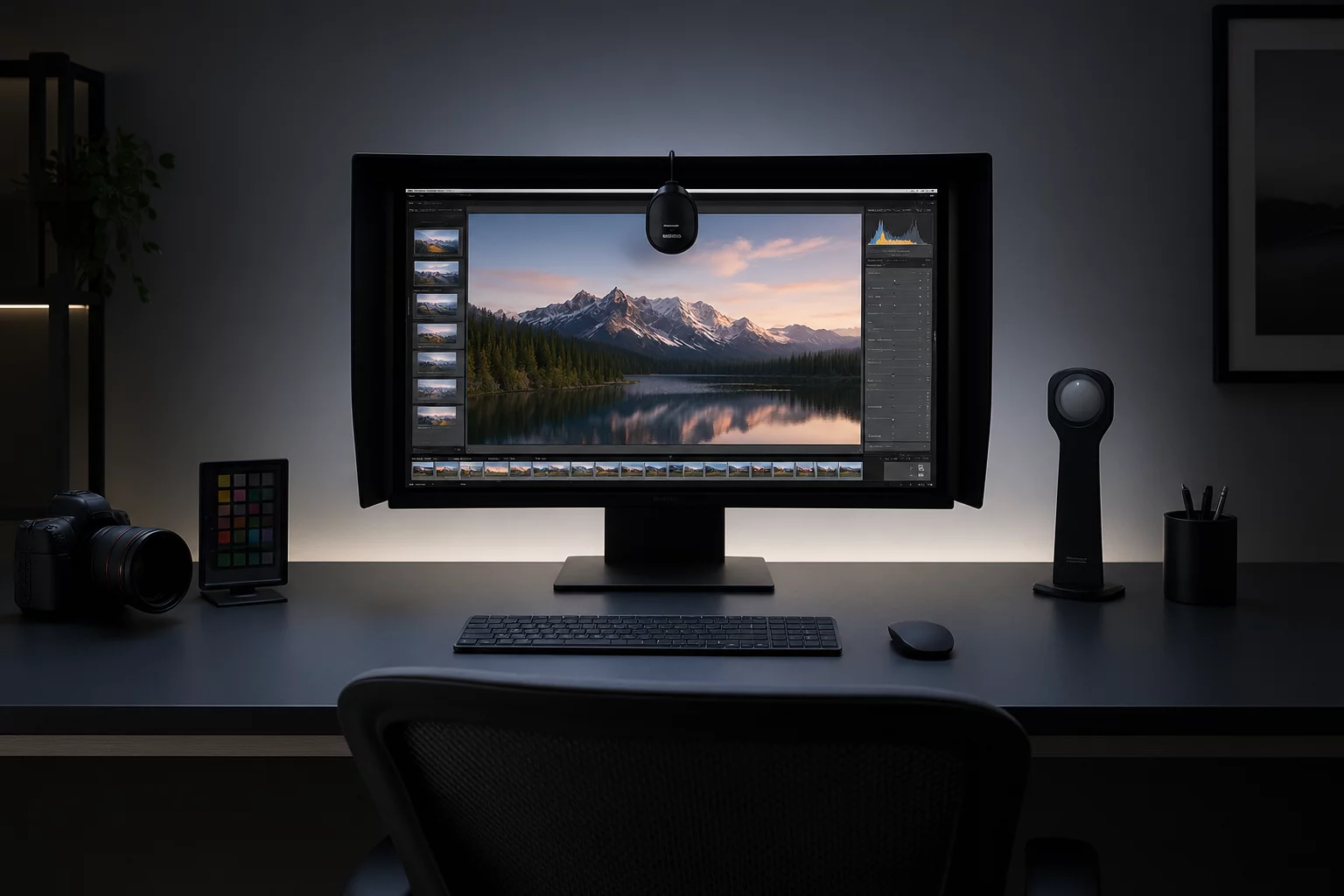
Image triage demands rapid alternating between full-frame compositional scans and 100% pixel loupe verification. When performing this repetitive visual saccade over consecutive hours, the human eye experiences involuntary accommodation spasms. The ciliary muscles become locked in near-focus tension, causing sharp transitions to register artificially soft and inducing subjective second-guessing.
Furthermore, retinal photochemical depletion reduces local contrast perception. After staring at high-luminance backlit displays in dark rooms, subtle differences in focus falloff and pupil catchlights blur into perceived ambiguity. Establishing rigorous environmental and biological pacing parameters directly preserves diagnostic accuracy throughout high-volume culls.
Workstation Fatigue Audit Benchmarks
- Ambient Illuminance
- 32 to 64 lux at desk surface (ISO 3664 review condition)
- Display Luminance
- 100 to 120 cd/m² matched to surrounding ambient wall
- Reset Interval
- 20-20-20 protocol (20 ft distance every 20 minutes)
- Critical Limit
- Maximum 90 minutes of continuous triage before 10-minute break
Working in an unlit room causes the pupil to constantly expand and contract between the bright monitor frame and the dark perimeter. This pupillary oscillation accelerates ocular exhaustion significantly faster than prolonged reading. Diffused 6500K or 5000K bias lighting mounted directly behind the monitor creates a balanced luminance field that stabilizes the iris.
- Install high-CRI (≥95 Ra) 5000K or 6500K LED bias illumination behind the monitor chassis.
- Fit a three-sided anti-glare monitor hood to deflect stray lateral window light and ceiling reflection.
- Match display white point luminance to 10% of surrounding wall reflectance to prevent retinal flare.
In addition, disable all dynamic ambient light sensors and automatic true-tone color profile shifts on operating systems. Automated brightness adaptations introduce subtle perceptual shifts that distort exposure appraisal mid-triage.
Decision fatigue mirrors physical ocular strain. When curators exceed ninety minutes of non-stop triage, rejection thresholds unconsciously soften: keepers are admitted out of exhaustion, or sharp frames are erroneously rejected due to blurred subjective vision. Partitioning 2,000 raw frames into 300-frame review batches shields judgment consistency.
Between batch sprints, step away from digital displays entirely. Looking through an exterior window at infinity releases ciliary tension, replenishing eye tear film stability and restoring baseline contrast sensitivity before commencing expression evaluations.
Apply these selection questions in your workspace: Selection Passes and Variants in Capture One.
Capture One Selection Passes & Variant Configuration
Review the step-by-step setup for configuring synchronized variant loupes, rapid advance shortcuts, and staging collections.
Color Flag Taxonomy for High Volume Culling
Why Star Ratings Fail Without Stage Rules

Monitor Ambient Lighting Standards for Triage Rooms
Elena Rostova
Lead CuratorThe strict 90-minute cap coupled with 5000K bias lighting completely resolved false soft-focus calls during our high-volume lookbook culls. Establishing fixed ambient lux levels stopped eye strain from corrupting keeper rates.